
Review when a visible participant first appeared, left and returned during a meeting.
Attendance for Google Meet
Know who joined, left and returned.
Attenlyst records visible participant names and attendance times, then turns them into meeting and class reports in your Chrome profile.
Local Chrome storageCSV and JSON exportNo account required
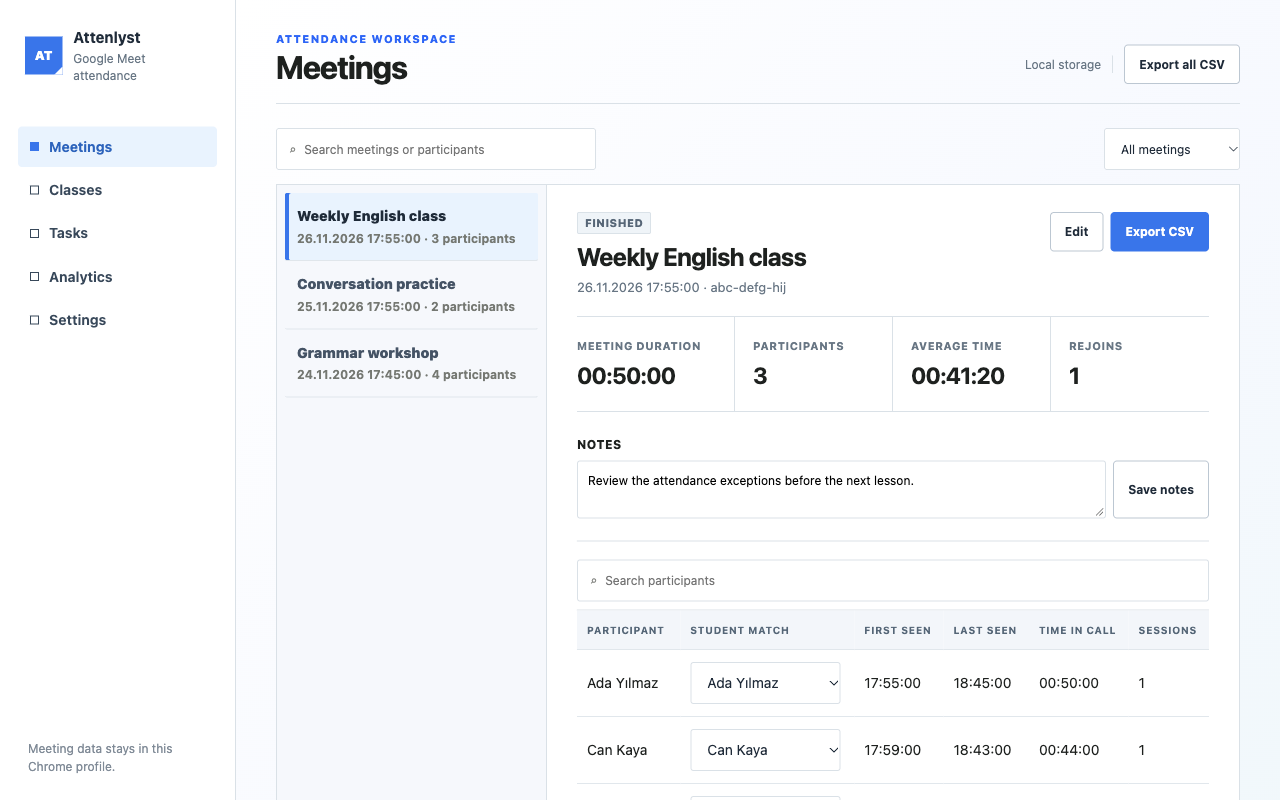
Meeting detail with first seen, last seen, rejoin and duration information.
What it records
Attendance details you can check.
Tracking stays off until you enable it. Attenlyst works with the participant names visible in the Google Meet page.
Import a class list, confirm name mappings and apply late, early-leave and minimum-attendance rules.
Export meeting and class CSV reports or create a local JSON backup you control.
Local version
Your attendance data stays in Chrome.
No user account
Install the extension and enable local tracking when needed.
No server upload
The current version does not send attendance data to JuniusTech.
No analytics or ads
The extension does not include analytics or advertising trackers.
User-controlled exports
CSV and JSON files leave Chrome only when you download or share them.
Product views
From meeting detail to class reports.
These images come from the current extension interface.
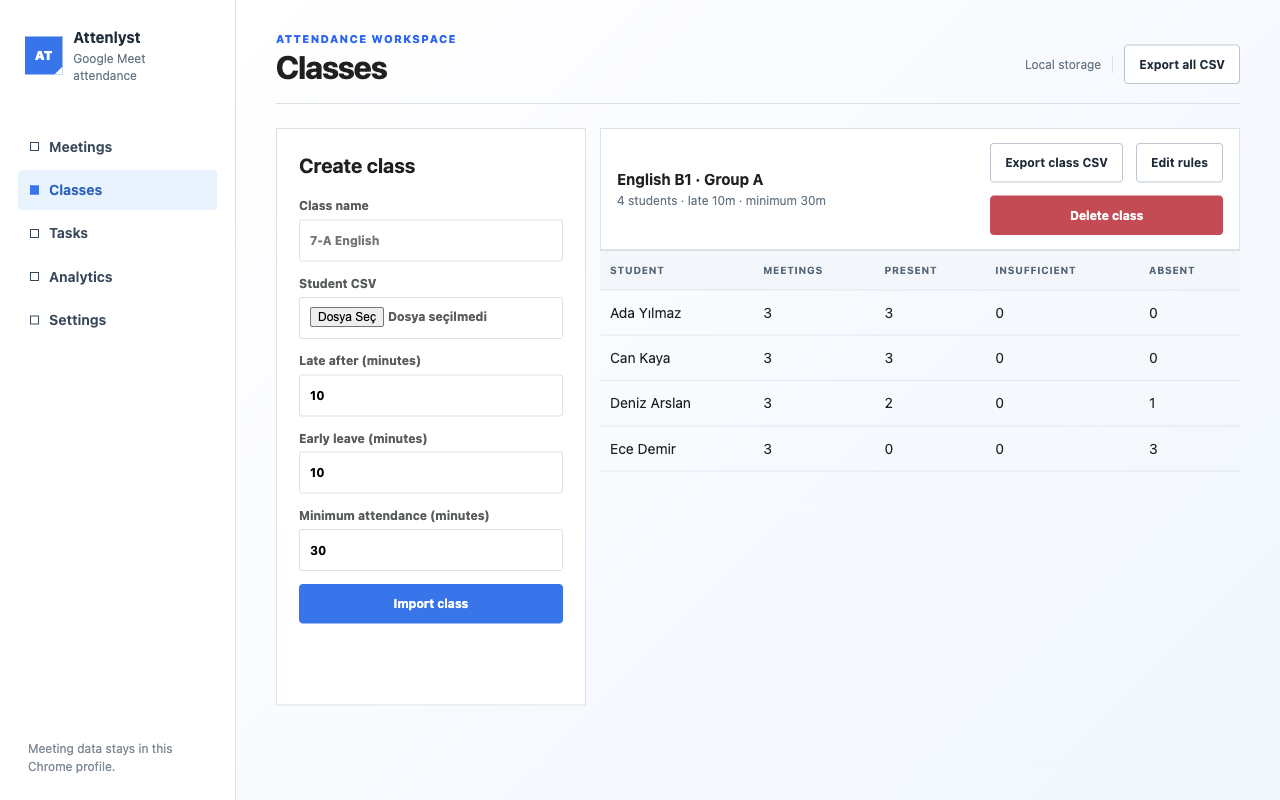
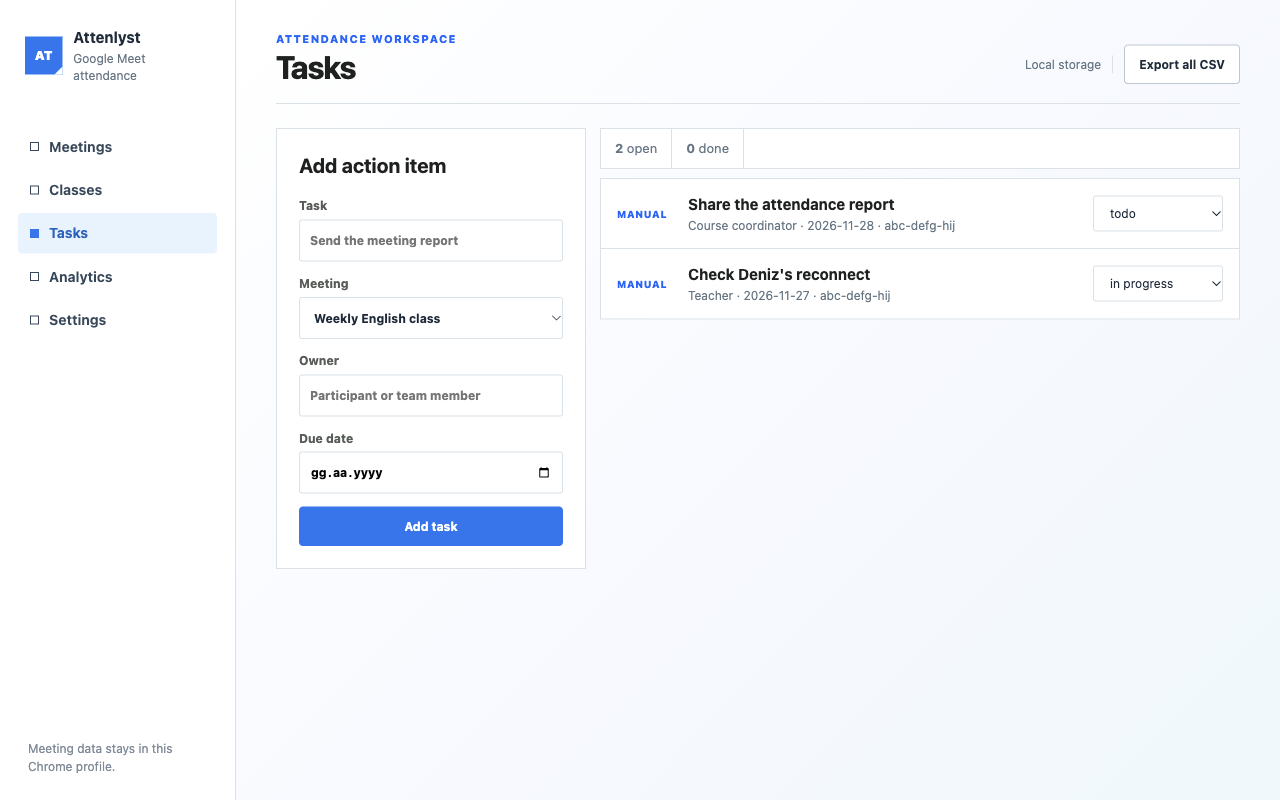
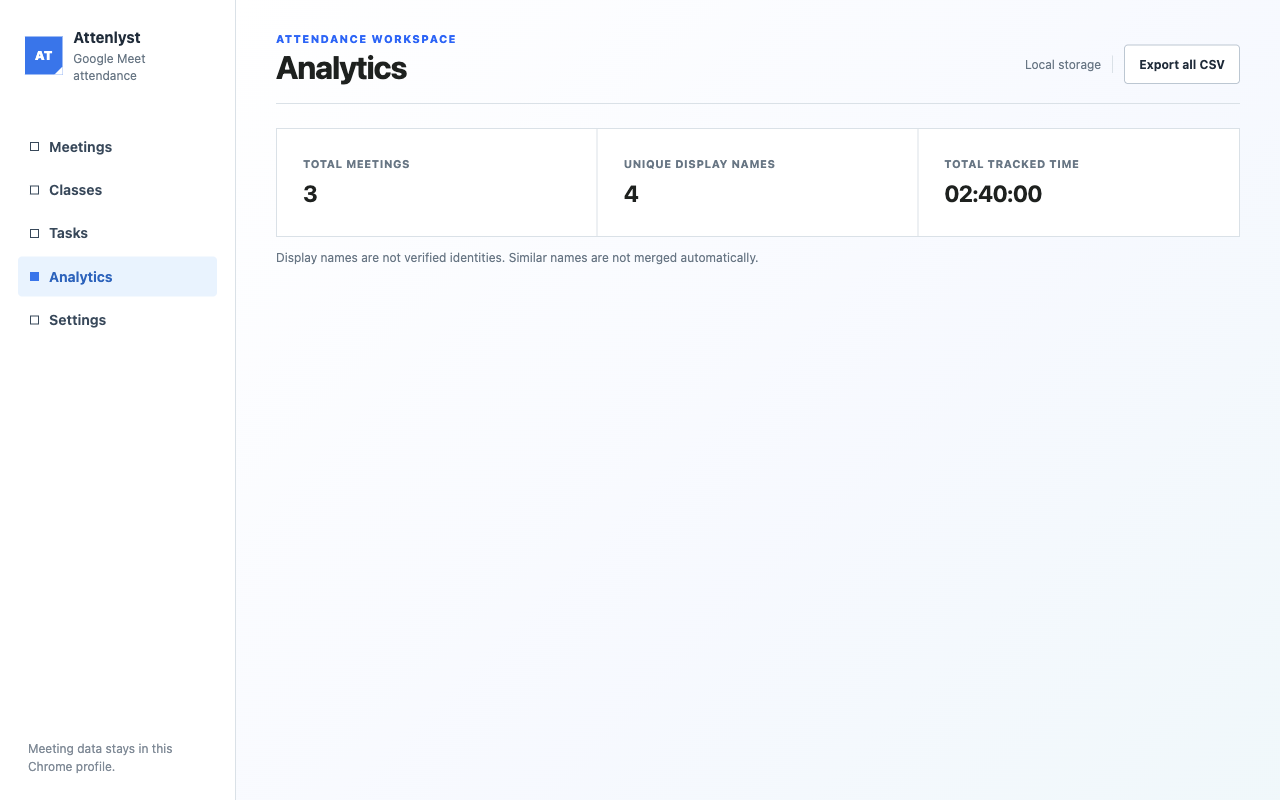
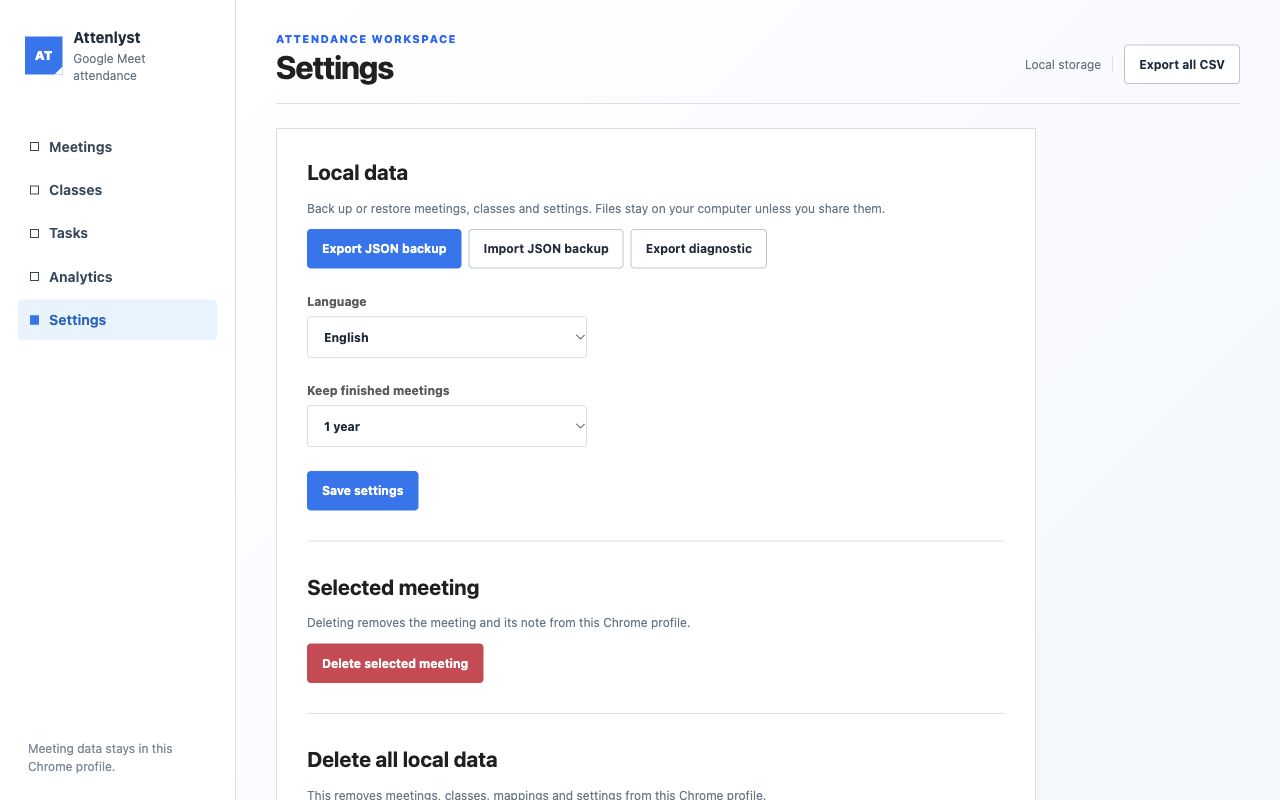
Designed for attendance records you can inspect.
Visible names are not verified identities. Check reports before using them for consequential decisions.